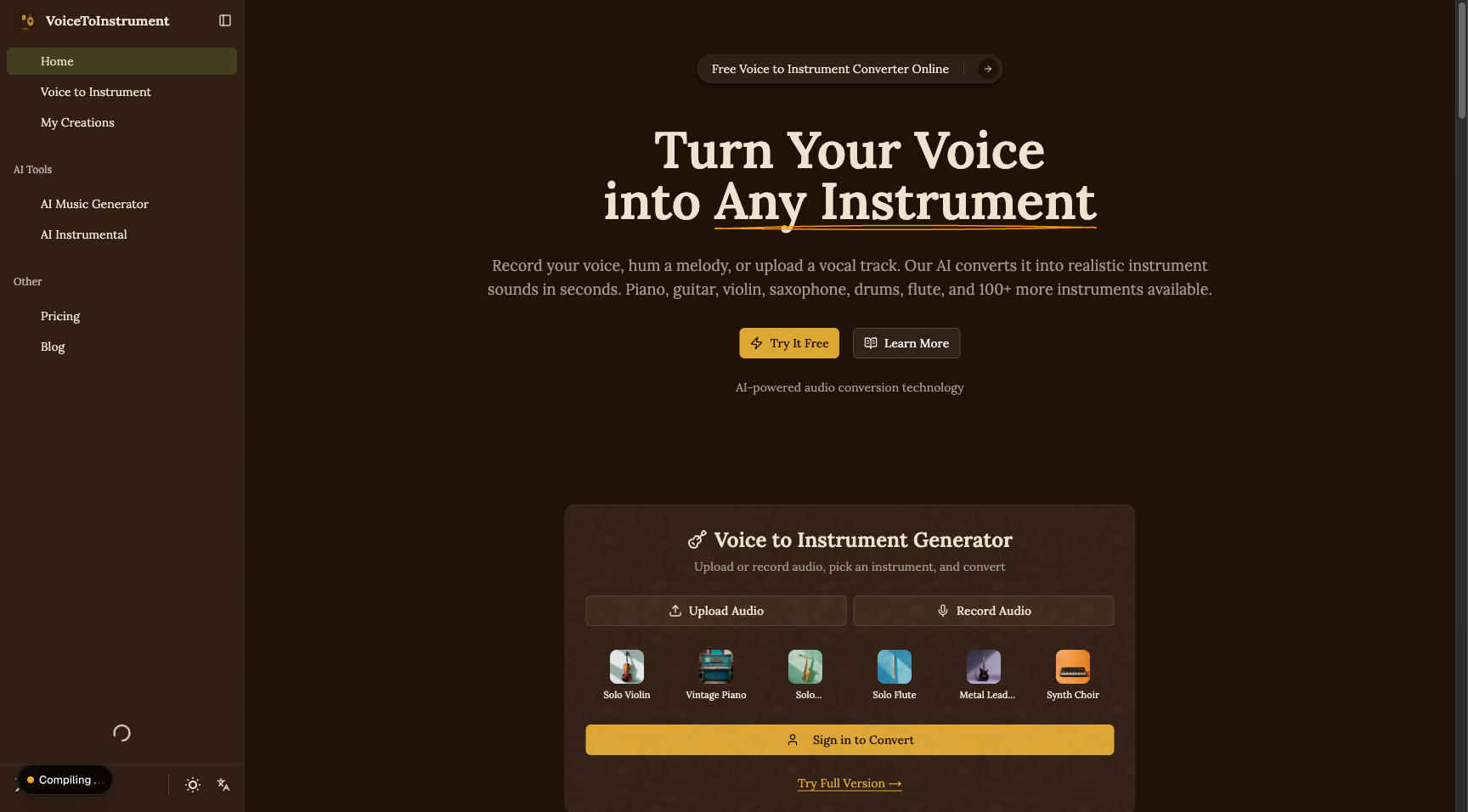
Voice to Instrument Review
Free online AI tool that converts uploaded vocals into 100+ instrument sounds including piano, guitar, violin, and saxophone.
Verdict
Voice to Instrument fills a niche gap for musicians and hobbyists who want to prototype arrangements or create instrument tracks without playing an instrument. With 100+ instrument options and a free browser-based workflow, it's accessible for casual music creators. Output quality suits ideation and demos but is unlikely to meet professional production standards compared to dedicated audio workstation plugins.
What it does
Turn your voice into any instrument with AI. Upload vocals and convert to piano, guitar, violin, sax and 100+ instruments. Free online tool.
Best for
Music creators and hobbyists looking to experiment with AI-generated instrumentals.
At a glance
Pros & cons
- 100+ instrument conversion options
- Free with no download required
- Accessible for non-musicians
- Output quality not suited for professional production
- Limited customization over timbre and dynamics
Related tools
Frequently asked
- Is Voice to Instrument free to use?
- Yes. Voice to Instrument has a free plan — Free online tool
- Does Voice to Instrument have memory?
- No persistent memory — sessions don't carry over by default.
- Can Voice to Instrument do voice or images?
- Voice: yes. Image generation: no.
- What are the best alternatives to Voice to Instrument?
- Browse the AI Tools Directory for related tools.
Looking for an alternative?
MeMakie is an AI character chat platform with persistent memory, group chat, and a community feed of user-built characters. Free to start.
Try MeMakie → Browse more toolsFeatured on MeMakie
Listed here? Show it off and link back to your listing — add this badge to your site.

Notes from users
Concrete observations only — pricing changes, real-world feature behavior, what didn't work for you. Vague hot-takes get filtered out by automated review. No links allowed.
No comments yet. Be the first to add a real-world note about Voice to Instrument.