SlidesWizard Review
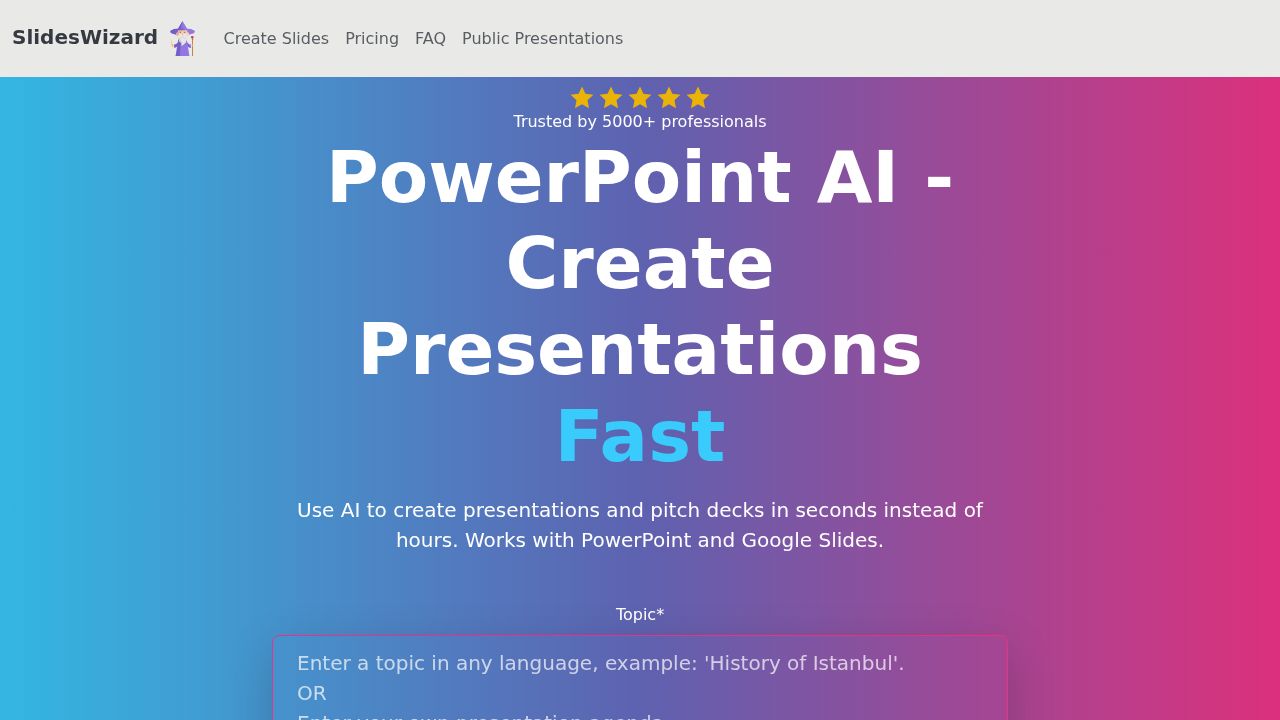
SlidesWizard generates PowerPoint and Google Slides presentations from a topic or outline using AI, adding images, speaker notes, and layouts automatically.
Verdict
SlidesWizard is a lean, task-focused presentation generator that handles the full slide-creation pipeline — outline, layout selection, image matching, and speaker notes — powered by ChatGPT. It's well-suited for one-off decks, with a $2.50 per-presentation pay-per-use model that keeps entry costs low but becomes expensive versus subscription alternatives like Gamma or Beautiful.ai for frequent users. Export to both PowerPoint and Google Slides is a practical plus, though design customization options are limited compared to dedicated presentation platforms.
What it does
Create powerpoint slides with AI
Best for
Professionals who need to create presentations quickly and efficiently.
At a glance
Pros & cons
- Free tier available
- Exports to PowerPoint and Google Slides
- Auto-selects layouts and images
- Accepts custom outlines as input
- Speaker notes generated automatically
- $2.50/presentation becomes costly for frequent use
- Limited design customization
- Relies on ChatGPT; output quality mirrors prompt quality
- Images sourced from generic stock search
Related tools
Frequently asked
- Is SlidesWizard free to use?
- Yes. SlidesWizard has a free plan — Free tier (watermarked, online view only); $2.50 per presentation for export
- Does SlidesWizard have memory?
- No persistent memory — sessions don't carry over by default.
- Can SlidesWizard do voice or images?
- Voice: no. Image generation: yes.
- What are the best alternatives to SlidesWizard?
- Browse the AI Tools Directory for related tools.
Looking for an alternative?
MeMakie is an AI character chat platform with persistent memory, group chat, and a community feed of user-built characters. Free to start.
Try MeMakie → Browse more toolsFeatured on MeMakie
Listed here? Show it off and link back to your listing — add this badge to your site.

Notes from users
Concrete observations only — pricing changes, real-world feature behavior, what didn't work for you. Vague hot-takes get filtered out by automated review. No links allowed.
No comments yet. Be the first to add a real-world note about SlidesWizard.