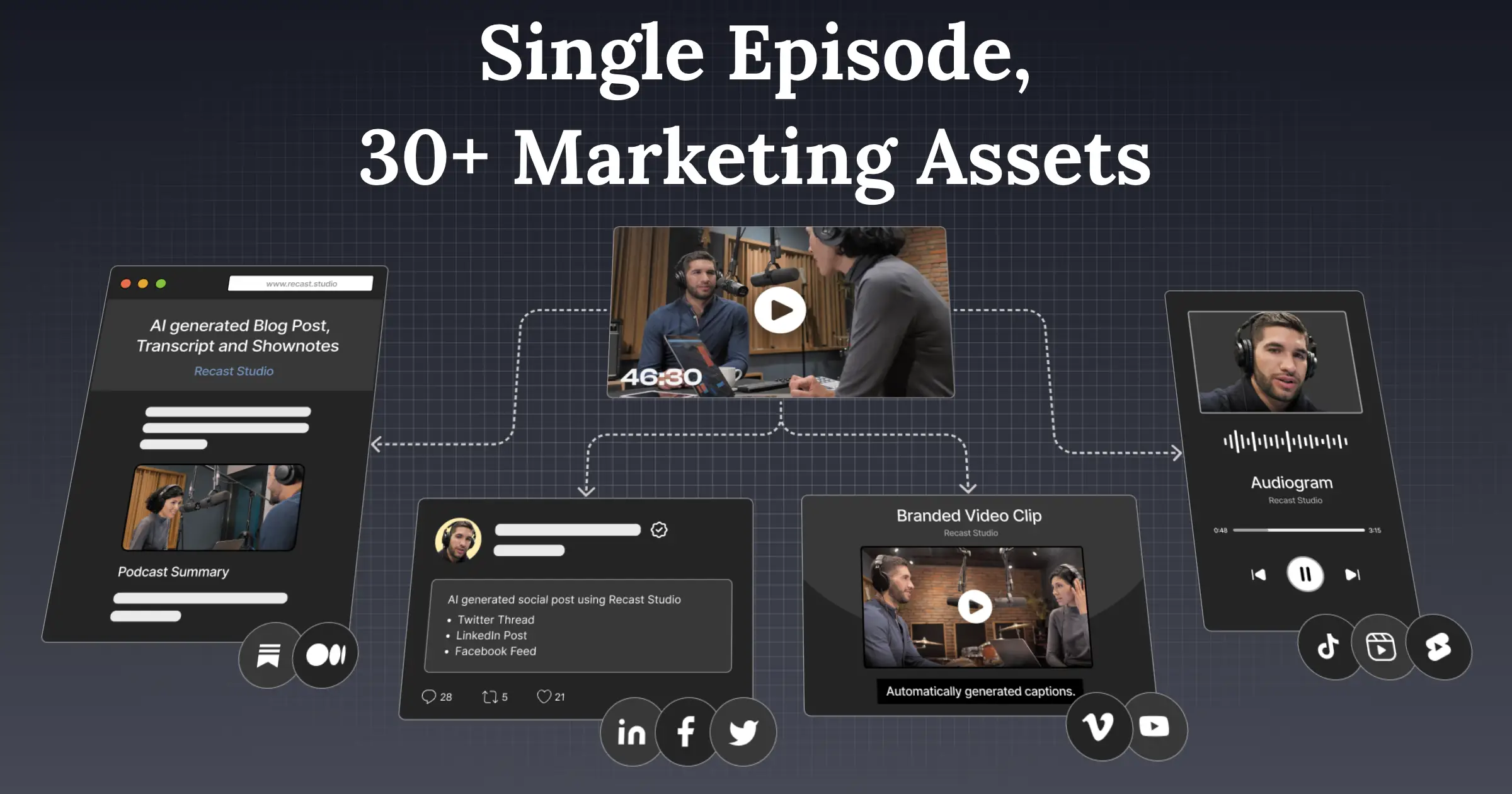
Recast Studio Review
AI-powered video editor for marketing teams to create social-ready clips from webinars, podcasts, and interviews.
Verdict
Recast Studio offers a unique solution for marketing teams to repurpose long-form content into social-ready clips, with a user-friendly interface and direct publishing to multiple social media platforms. However, the tool's effectiveness may depend on the quality of the input recordings and the team's familiarity with video editing concepts. Overall, it's a valuable tool for teams looking to streamline their content creation process.
What it does
Turn webinars, podcasts, interviews, and Zoom recordings into social-ready clips in minutes. Then generate posts, show notes, and blogs from the same recording.
Best for
Marketing teams and content creators looking to repurpose long-form video content into social-ready clips.
At a glance
Pros & cons
- Easy to use interface
- Direct publishing to multiple social media platforms
- Transcript-based editing for efficient video editing
- May require some familiarity with video editing concepts
- Quality of output may depend on input recordings
Related tools
Frequently asked
- Is Recast Studio free to use?
- Yes. Recast Studio has a free plan.
- Does Recast Studio have memory?
- No persistent memory — sessions don't carry over by default.
- Can Recast Studio do voice or images?
- Voice: no. Image generation: no.
- What are the best alternatives to Recast Studio?
- Browse the AI Tools Directory for related tools.
Looking for an alternative?
MeMakie is an AI character chat platform with persistent memory, group chat, and a community feed of user-built characters. Free to start.
Try MeMakie → Browse more toolsFeatured on MeMakie
Listed here? Show it off and link back to your listing — add this badge to your site.

Notes from users
Concrete observations only — pricing changes, real-world feature behavior, what didn't work for you. Vague hot-takes get filtered out by automated review. No links allowed.
No comments yet. Be the first to add a real-world note about Recast Studio.