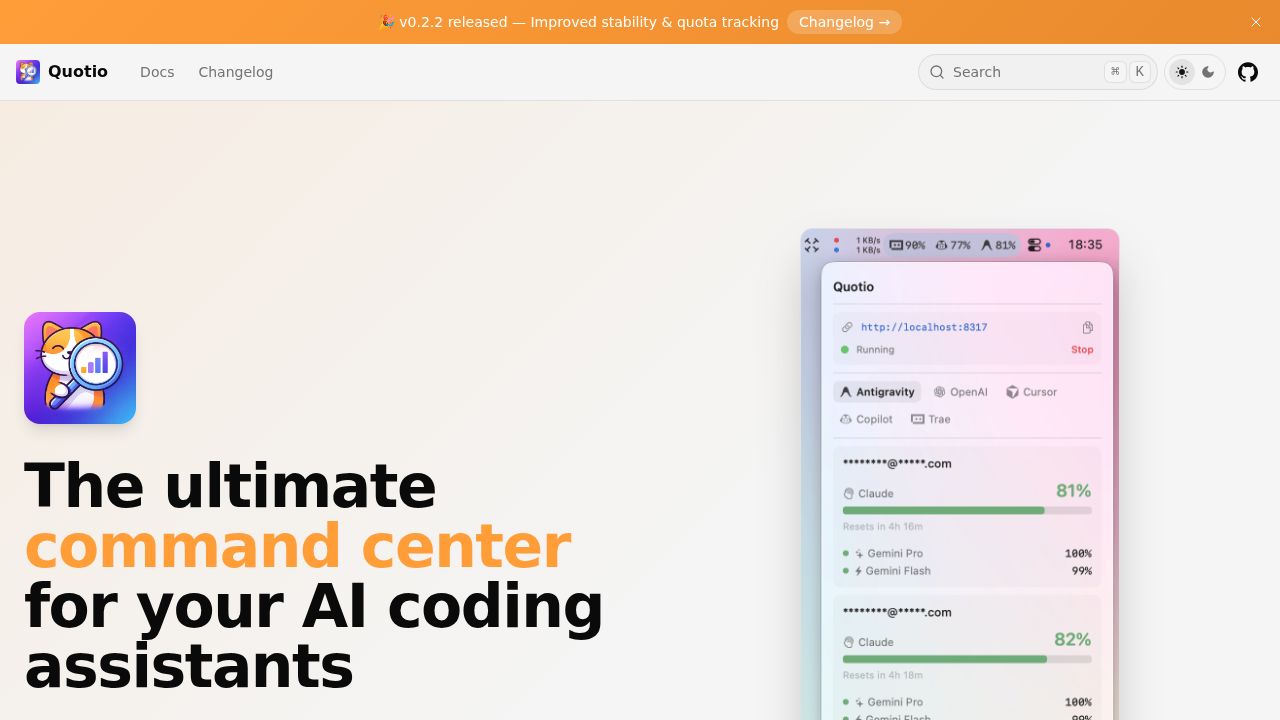
Quotio Review
A command center for managing AI coding assistants on macOS.
Verdict
Quotio offers a convenient way to manage multiple AI coding accounts and track quotas, with a user-friendly interface and real-time dashboard. However, its functionality is primarily geared towards developers who use AI coding tools, and the learning curve may be steep for non-technical users. The app's open-source nature and native macOS integration are notable advantages.
Best for
Developers who use multiple AI coding assistants and need a centralized management tool.
At a glance
Pros & cons
- Convenient management of multiple AI coding accounts
- Real-time dashboard for monitoring request traffic and token usage
- Native macOS integration and menu bar access
- Steep learning curve for non-technical users
- Limited functionality outside of AI coding assistant management
Related tools
Frequently asked
- Is Quotio free to use?
- Yes. Quotio has a free plan.
- Does Quotio have memory?
- No persistent memory — sessions don't carry over by default.
- Can Quotio do voice or images?
- Voice: no. Image generation: no.
- What are the best alternatives to Quotio?
- Browse the AI Tools Directory for related tools.
Looking for an alternative?
MeMakie is an AI character chat platform with persistent memory, group chat, and a community feed of user-built characters. Free to start.
Try MeMakie → Browse more toolsFeatured on MeMakie
Listed here? Show it off and link back to your listing — add this badge to your site.

Notes from users
Concrete observations only — pricing changes, real-world feature behavior, what didn't work for you. Vague hot-takes get filtered out by automated review. No links allowed.
No comments yet. Be the first to add a real-world note about Quotio.