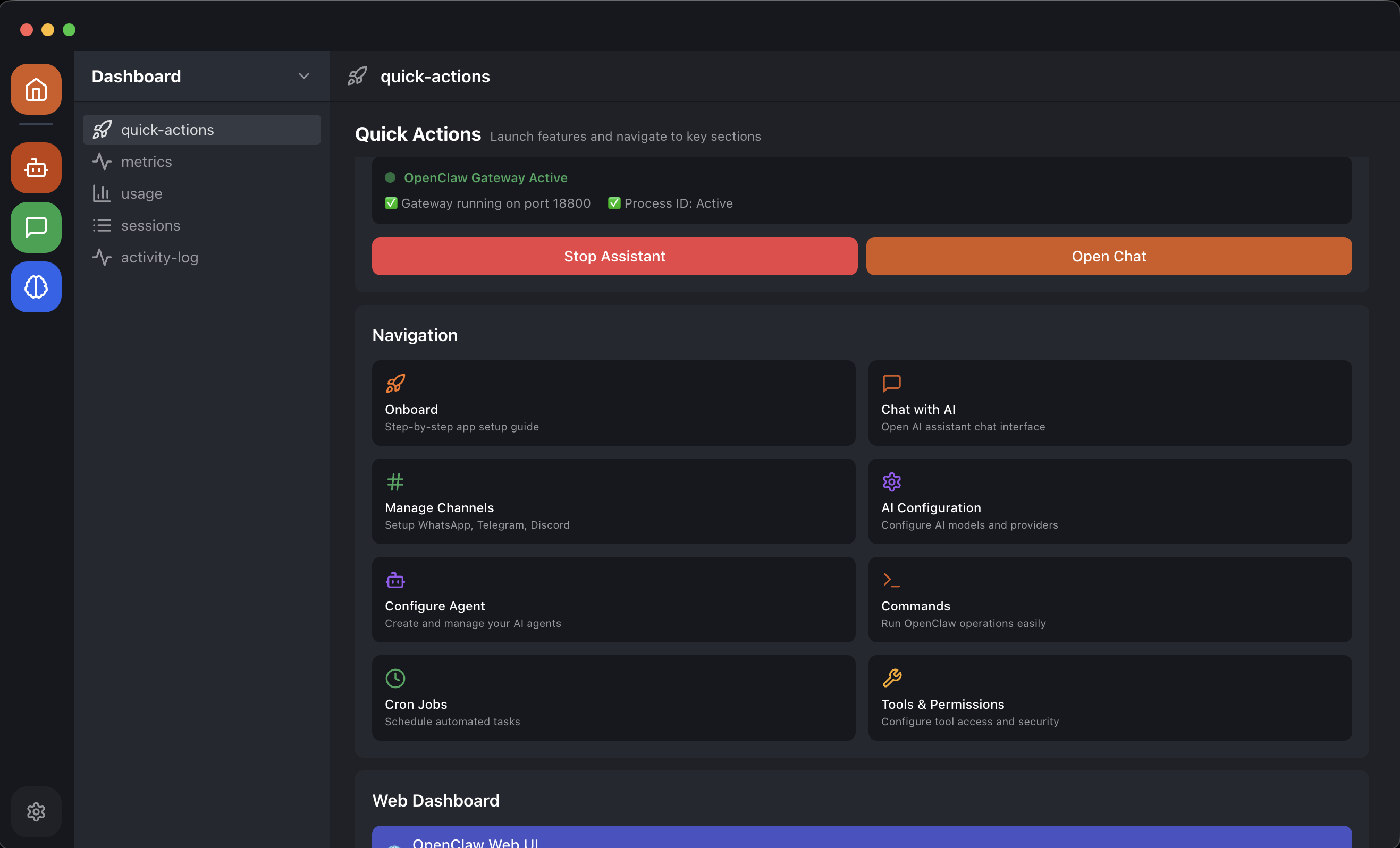
OpenClaw Easy Review
A free, open-source AI assistant for messaging apps.
Verdict
OpenClaw Easy offers a convenient, one-click installation process for macOS and Windows, allowing users to connect various messaging apps with AI providers without requiring terminal or coding knowledge. However, its effectiveness depends on the chosen AI model and messaging app compatibility. The app's local data processing and lack of API key requirements are notable benefits.
What it does
The easiest way to install OpenClaw. One-click installer for macOS & Windows — no terminal, no WSL2, no config files. AI for WhatsApp, Telegram, Slack, Discord and more.
Best for
Users seeking a straightforward, locally-run AI solution for messaging apps.
At a glance
Pros & cons
- Easy, one-click installation
- Locally-run, no data leaves the machine
- Supports multiple messaging apps and AI providers
- Dependent on chosen AI model for effectiveness
- Limited to desktop platforms
Related tools
Frequently asked
- Is OpenClaw Easy free to use?
- Yes. OpenClaw Easy has a free plan.
- Does OpenClaw Easy have memory?
- No persistent memory — sessions don't carry over by default.
- Can OpenClaw Easy do voice or images?
- Voice: no. Image generation: no.
- What are the best alternatives to OpenClaw Easy?
- Browse the AI Tools Directory for related tools.
Looking for an alternative?
MeMakie is an AI character chat platform with persistent memory, group chat, and a community feed of user-built characters. Free to start.
Try MeMakie → Browse more toolsFeatured on MeMakie
Listed here? Show it off and link back to your listing — add this badge to your site.

Notes from users
Concrete observations only — pricing changes, real-world feature behavior, what didn't work for you. Vague hot-takes get filtered out by automated review. No links allowed.
No comments yet. Be the first to add a real-world note about OpenClaw Easy.