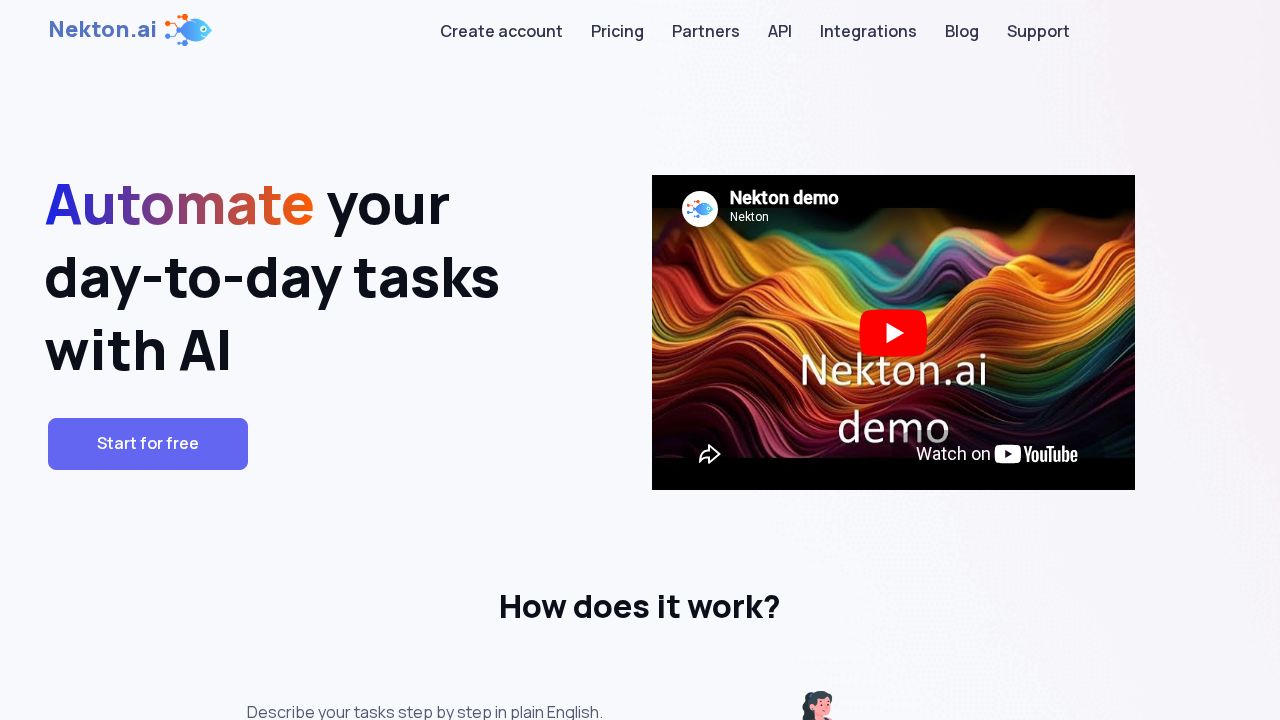
Nekton Review
AI automation tool that turns plain-language task descriptions into automated workflows, removing the need to write code or configure complex integrations.
Verdict
Nekton positions itself in the no-code AI automation space alongside tools like Zapier AI and Make, aiming at non-technical users who want to automate repetitive tasks through natural language instructions rather than flowchart builders. The homepage is sparse on specifics, which makes it hard to assess integration depth or reliability at scale. It's best evaluated as an early-stage productivity tool suited to individuals exploring AI automation rather than enterprises with complex workflow requirements.
Best for
Nekton is best for individuals and businesses looking to automate repetitive tasks.
At a glance
Pros & cons
- Natural language task automation—no coding required
- Low barrier to entry for non-technical users
- Targets a high-demand productivity use case
- Very limited public information on integration depth
- Early-stage product with unproven reliability at scale
- Faces strong competition from Zapier, Make, and Microsoft Power Automate
Related tools
Frequently asked
- Is Nekton free to use?
- Yes. Nekton has a free plan — Pricing details on site
- Does Nekton have memory?
- No persistent memory — sessions don't carry over by default.
- Can Nekton do voice or images?
- Voice: no. Image generation: no.
- What are the best alternatives to Nekton?
- Browse the AI Tools Directory for related tools.
Looking for an alternative?
MeMakie is an AI character chat platform with persistent memory, group chat, and a community feed of user-built characters. Free to start.
Try MeMakie → Browse more toolsFeatured on MeMakie
Listed here? Show it off and link back to your listing — add this badge to your site.

Notes from users
Concrete observations only — pricing changes, real-world feature behavior, what didn't work for you. Vague hot-takes get filtered out by automated review. No links allowed.
No comments yet. Be the first to add a real-world note about Nekton.