Granola Review
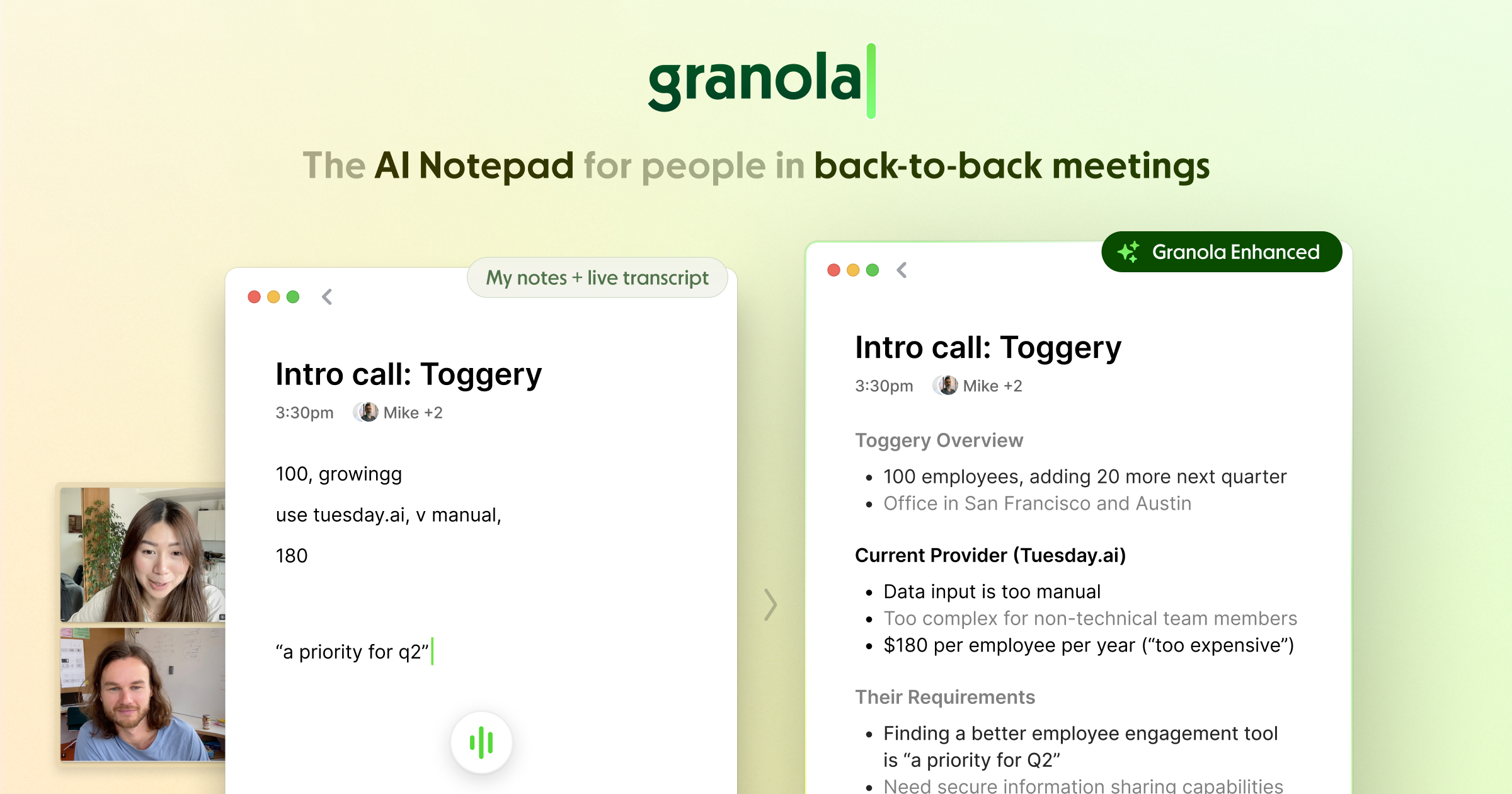
Granola is a Mac AI notepad that quietly captures your meetings in the background and transforms your rough jottings into polished, searchable notes.
Verdict
Granola takes a deliberately minimal approach: it runs silently on macOS, captures audio system-wide without joining as a bot, and enriches whatever sparse notes you type into rich, structured summaries after the meeting. This keeps you present rather than distracted by a chat interface. The main limitations are macOS-only availability and a reliance on clean system audio for accurate transcription.
What it does
Granola helps you keep momentum on what matters. You stay present, Granola turns your conversations into a rich, searchable memory.
Best for
Busy professionals with back-to-back meetings who need help with note-taking and organization
At a glance
Pros & cons
- No meeting bot — captures audio natively and privately
- Enhances your own notes rather than replacing them
- Searchable memory across all past meetings
- Minimal, distraction-free interface
- macOS only — no Windows or mobile support
- Depends on clear system audio for accuracy
- Narrower feature set than full meeting-intelligence platforms
Related tools
Frequently asked
- Is Granola free to use?
- Yes. Granola has a free plan — Free tier available; paid plan for power users
- Does Granola have memory?
- Yes. Granola retains conversation memory across sessions.
- Can Granola do voice or images?
- Voice: no. Image generation: no.
- What are the best alternatives to Granola?
- Browse the AI Tools Directory for related tools.
Looking for an alternative?
MeMakie is an AI character chat platform with persistent memory, group chat, and a community feed of user-built characters. Free to start.
Try MeMakie → Browse more toolsFeatured on MeMakie
Listed here? Show it off and link back to your listing — add this badge to your site.

Notes from users
Concrete observations only — pricing changes, real-world feature behavior, what didn't work for you. Vague hot-takes get filtered out by automated review. No links allowed.
No comments yet. Be the first to add a real-world note about Granola.