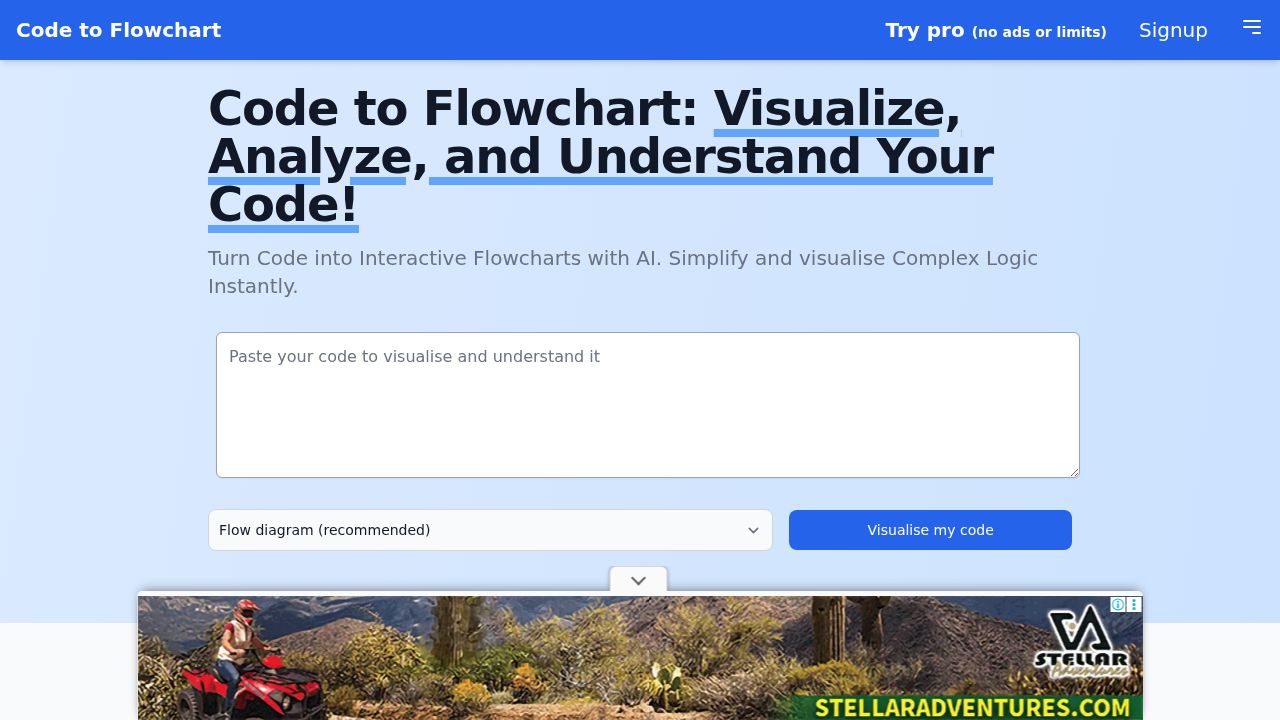
Code to Flowchart Review
Code to Flowchart converts source code into interactive flowcharts, sequence diagrams, and class diagrams using AI across all major programming languages.
Verdict
Code to Flowchart fills a genuine developer need by auto-generating multiple diagram types — flowcharts, sequence, and class diagrams — directly from pasted code, supporting Python, JavaScript, Java, C++, and more without storing user code. The free tier works for short snippets, while a Pro plan removes ads and length limits. It sits in a competitive space alongside tools like Mermaid and Eraser, but its no-storage privacy stance and multi-diagram output in one tool are meaningful differentiators.
Best for
Developers who need to visualize and understand complex code logic, especially those working with multiple programming languages.
At a glance
Pros & cons
- Supports all major programming languages
- Multiple diagram types from one input
- Code not stored — privacy-friendly
- SVG, PNG, PDF export
- Free tier limited by code length
- Pro pricing not clearly listed on homepage
Related tools
Frequently asked
- Is Code to Flowchart free to use?
- Yes. Code to Flowchart has a free plan — Free tier with limits; Pro available (20% off promoted)
- Does Code to Flowchart have memory?
- No persistent memory — sessions don't carry over by default.
- Can Code to Flowchart do voice or images?
- Voice: no. Image generation: no.
- What are the best alternatives to Code to Flowchart?
- Browse the AI Tools Directory for related tools.
Looking for an alternative?
MeMakie is an AI character chat platform with persistent memory, group chat, and a community feed of user-built characters. Free to start.
Try MeMakie → Browse more toolsFeatured on MeMakie
Listed here? Show it off and link back to your listing — add this badge to your site.

Notes from users
Concrete observations only — pricing changes, real-world feature behavior, what didn't work for you. Vague hot-takes get filtered out by automated review. No links allowed.
No comments yet. Be the first to add a real-world note about Code to Flowchart.