Verdict
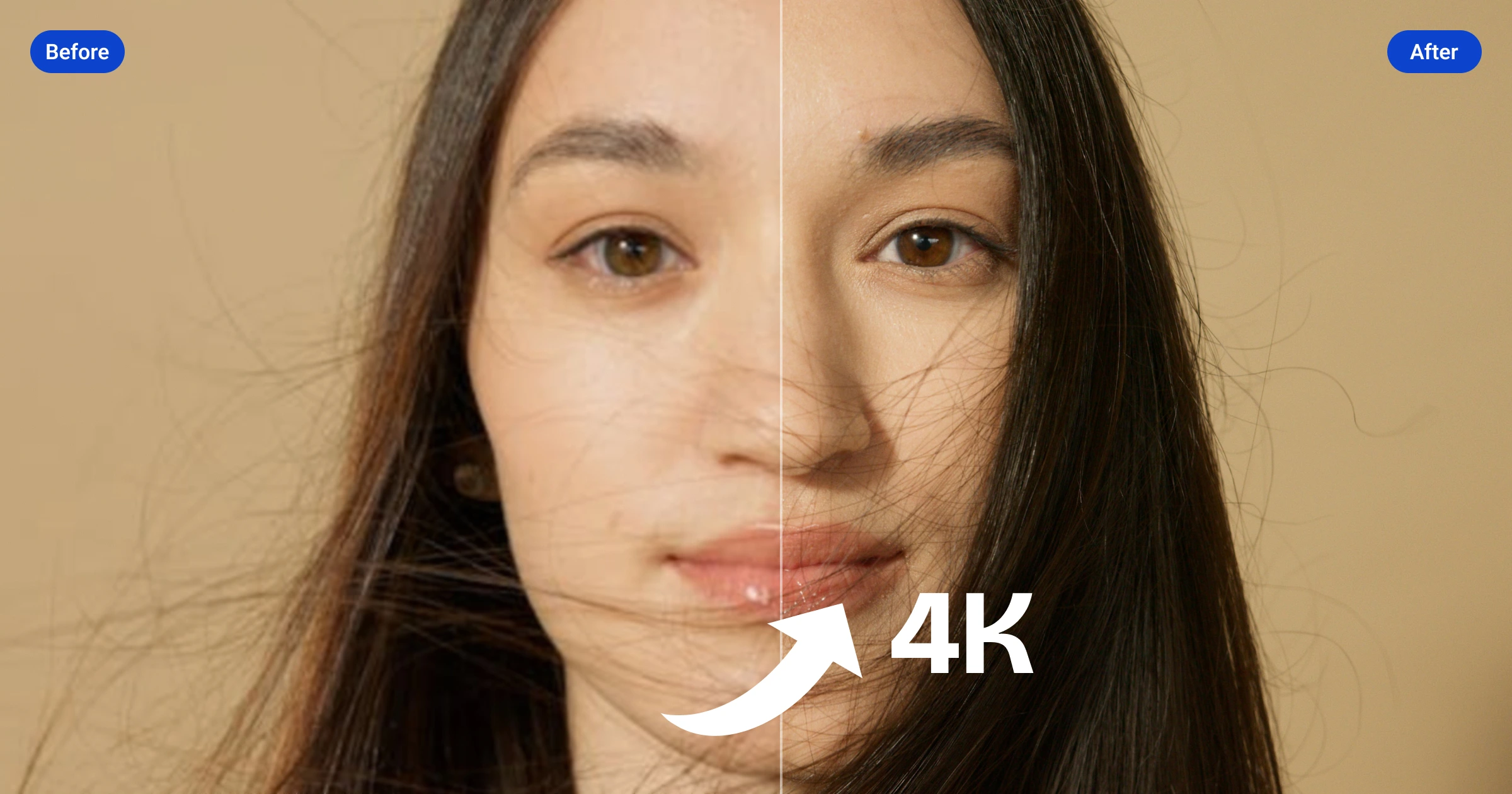
Artguru offers a straightforward one-click solution for enhancing media files, leveraging professional-grade AI for clarity and detail restoration. While its simplicity is a strength, users seeking fine-grained control may find options limited. The tool's effectiveness in multi-face enhancement and 4K output is notable.
What it does
Upscale photos, enhance videos, clarify PDFs, and restore old memories effortlessly with professional-grade AI. Experience ultimate clarity in just one click.
Best for
Best for users needing quick and easy media file enhancements without requiring extensive editing knowledge.
At a glance
Pros & cons
- Easy one-click enhancement
- Multi-face enhancement in group photos
- 4K output and 8K image upscaling
- Limited control for advanced users
- Lack of information on pricing and subscription models
Related tools
Frequently asked
- Is Artguru free to use?
- Not entirely — Unknown.
- Does Artguru have memory?
- No persistent memory — sessions don't carry over by default.
- Can Artguru do voice or images?
- Voice: no. Image generation: yes.
- What are the best alternatives to Artguru?
- Browse the AI Tools Directory for related tools.
Looking for an alternative?
MeMakie is an AI character chat platform with persistent memory, group chat, and a community feed of user-built characters. Free to start.
Try MeMakie → Browse more toolsFeatured on MeMakie
Listed here? Show it off and link back to your listing — add this badge to your site.

Notes from users
Concrete observations only — pricing changes, real-world feature behavior, what didn't work for you. Vague hot-takes get filtered out by automated review. No links allowed.
No comments yet. Be the first to add a real-world note about Artguru.