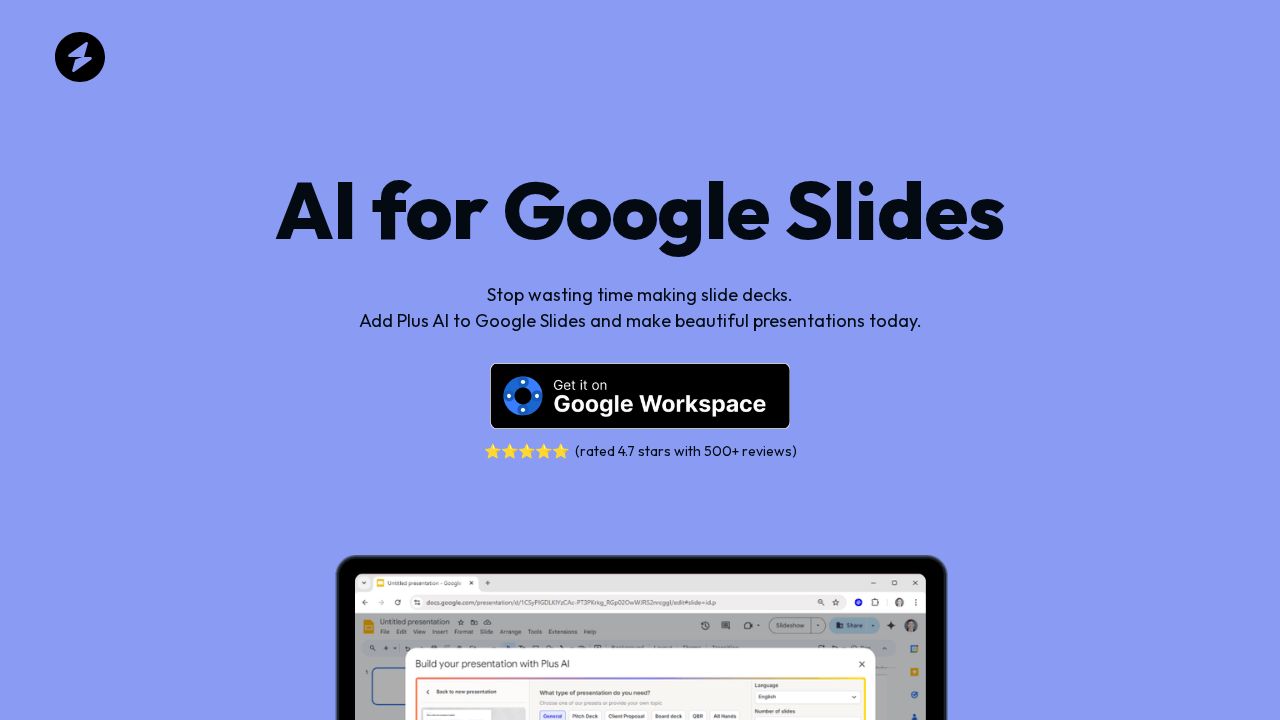
AI for Google Slides Review
Google Slides add-on that generates and formats presentations from a prompt or document, with custom brand colors and logo support.
Verdict
AI for Google Slides (Plus AI) is a well-established Google Workspace add-on trusted by over one million users, with a 4.7-star rating across 500+ reviews. It stands out for deep native Google Slides integration—no file compatibility issues—and brand-kit support that auto-applies your colors and logo. The main tradeoff is cost: at $15/month for individuals it's pricier than built-in AI features now appearing in Google Workspace itself.
Best for
Individuals and teams looking to create professional presentations quickly and efficiently
At a glance
Pros & cons
- Native Google Slides integration—no compatibility issues
- Custom brand kit (colors + logo) applied automatically
- 1M+ users, 4.7-star rating, strong track record
- No meaningful free tier beyond trial
- Faces growing competition from Google's own built-in AI
- Slide quality still depends on prompt specificity
Related tools
Frequently asked
- Is AI for Google Slides free to use?
- Not entirely — Basic $15/mo, annual plans available.
- Does AI for Google Slides have memory?
- No persistent memory — sessions don't carry over by default.
- Can AI for Google Slides do voice or images?
- Voice: no. Image generation: no.
- What are the best alternatives to AI for Google Slides?
- Browse the AI Tools Directory for related tools.
Looking for an alternative?
MeMakie is an AI character chat platform with persistent memory, group chat, and a community feed of user-built characters. Free to start.
Try MeMakie → Browse more toolsFeatured on MeMakie
Listed here? Show it off and link back to your listing — add this badge to your site.

Notes from users
Concrete observations only — pricing changes, real-world feature behavior, what didn't work for you. Vague hot-takes get filtered out by automated review. No links allowed.
No comments yet. Be the first to add a real-world note about AI for Google Slides.