AI Chat Review
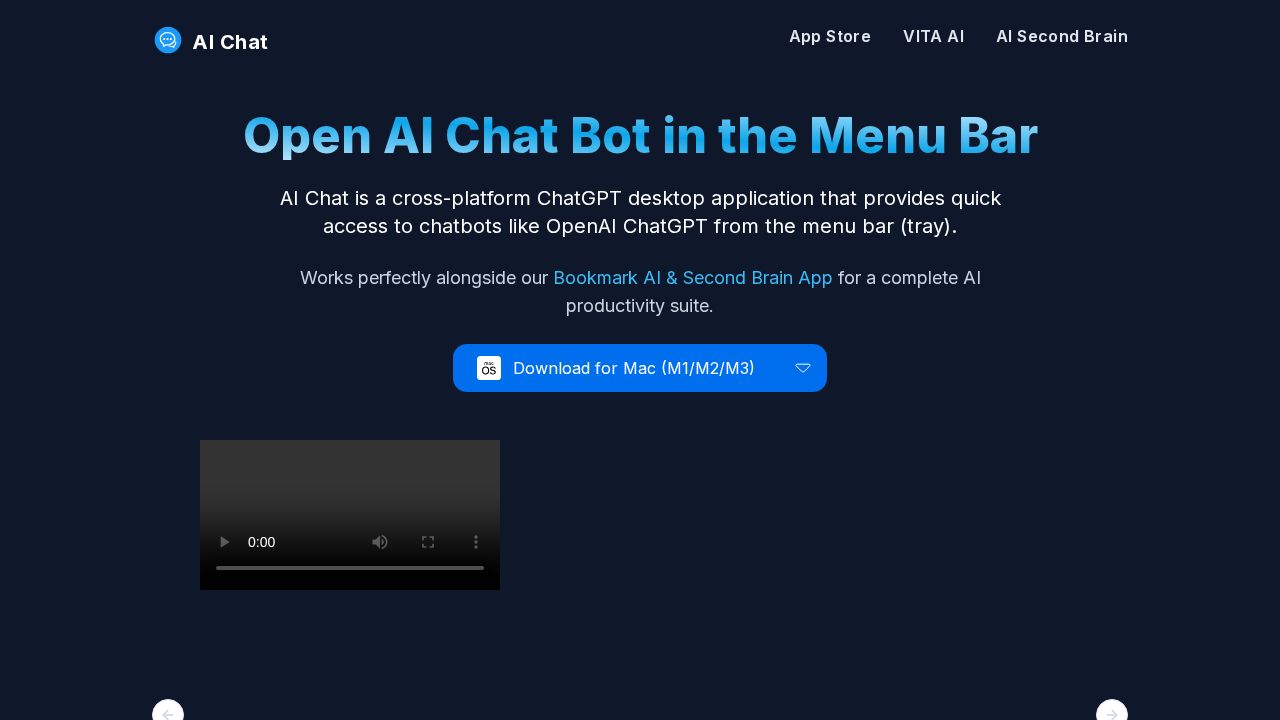
AI Chat is a free cross-platform desktop app that pins ChatGPT, Claude, Gemini, and other chatbots in your system menu bar for instant access.
Verdict
AI Chat removes the friction of switching browser tabs by embedding popular AI chatbots—ChatGPT, Claude, Gemini, Copilot, Perplexity—into a lightweight menu-bar tray app for Windows, Mac, and Linux. It operates as a secured webview and never processes your data directly, so privacy risk is low. The tradeoff is that it adds no original AI capability; it is purely a convenience launcher for existing web-based chatbots.
What it does
Elevate your ChatGPT experience with AI Chat, the ultimate ChatGPT app. Access OpenAI ChatGPT instantly from your menu bar on Windows, Mac, or Linux.
Best for
AI Chat is best for individuals seeking a seamless and efficient way to use ChatGPT and other chatbots on their desktop without interrupting their workflow.
At a glance
Pros & cons
- Supports multiple chatbots in one place
- Cross-platform (Windows, Mac, Linux)
- No data access—secured webview
- Completely free
- No original AI functionality
- Purely a UI convenience layer
- Feature depth limited to underlying chatbot web apps
Related tools
Frequently asked
- Is AI Chat free to use?
- Yes. AI Chat has a free plan — Free download
- Does AI Chat have memory?
- No persistent memory — sessions don't carry over by default.
- Can AI Chat do voice or images?
- Voice: no. Image generation: no.
- What are the best alternatives to AI Chat?
- Browse the AI Tools Directory for related tools.
Looking for an alternative?
MeMakie is an AI character chat platform with persistent memory, group chat, and a community feed of user-built characters. Free to start.
Try MeMakie → Browse more toolsFeatured on MeMakie
Listed here? Show it off and link back to your listing — add this badge to your site.

Notes from users
Concrete observations only — pricing changes, real-world feature behavior, what didn't work for you. Vague hot-takes get filtered out by automated review. No links allowed.
No comments yet. Be the first to add a real-world note about AI Chat.