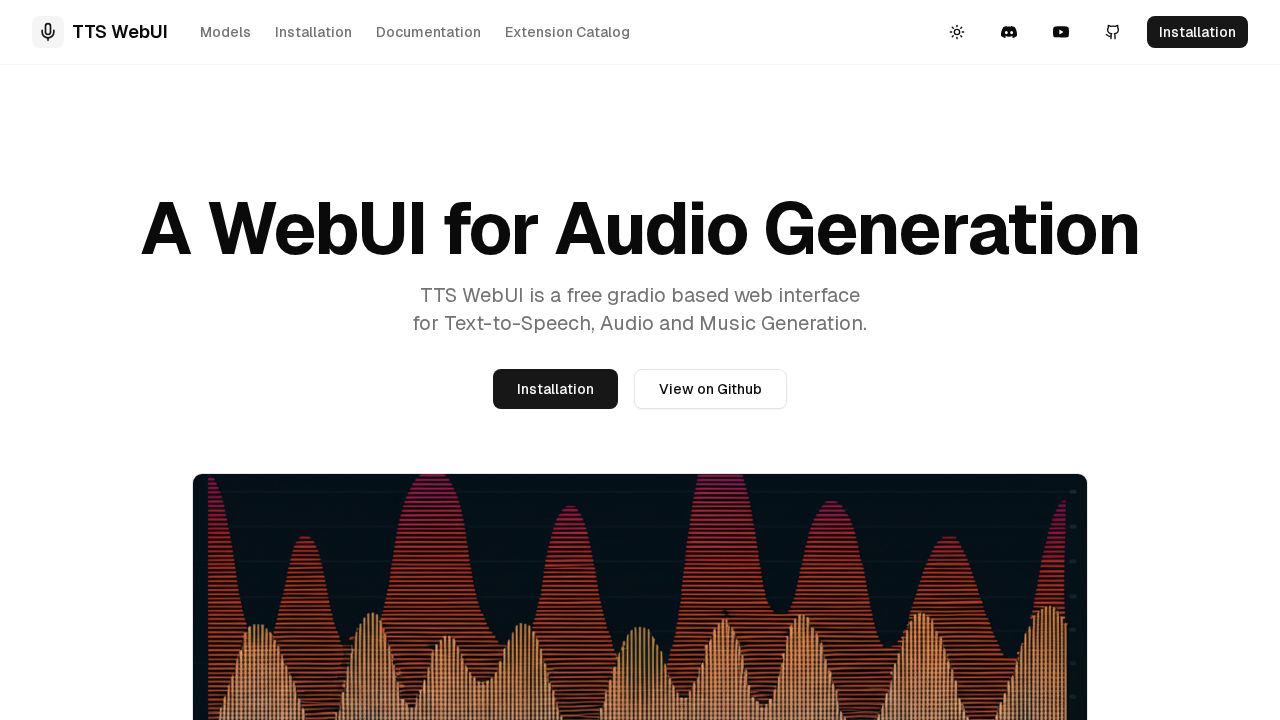
TTS WebUI Review
Free Gradio-based web UI for running 30+ open-source TTS and music generation models including Bark, MusicGen, and Tortoise locally.
Verdict
TTS WebUI stands out in the open-source TTS space by bundling over 30 models — spanning speech (Bark, Tortoise), music (MusicGen), and vocoder tools (Vocos) — into a single Gradio interface, making it a go-to local alternative to cloud TTS APIs. With 2,000+ GitHub stars it has meaningful community traction. The main tradeoff is that local hardware requirements and manual installation create a barrier compared to hosted services.
What it does
A free web interface for Text-to-Speech, Audio and Music Generation
Best for
Developers and users looking for a free and easy-to-use text-to-speech and audio generation tool.
At a glance
Pros & cons
- 30+ AI models including Bark, MusicGen, Tortoise, Vocos
- Completely free and open source
- 2000+ GitHub stars with active community
- Requires local installation and sufficient hardware
- No hosted/cloud option out of the box
- Setup complexity may deter non-technical users
Related tools
Frequently asked
- Is TTS WebUI free to use?
- Yes. TTS WebUI has a free plan — Open source, self-hosted
- Does TTS WebUI have memory?
- No persistent memory — sessions don't carry over by default.
- Can TTS WebUI do voice or images?
- Voice: yes. Image generation: no.
- What are the best alternatives to TTS WebUI?
- Browse the AI Tools Directory for related tools.
Looking for an alternative?
MeMakie is an AI character chat platform with persistent memory, group chat, and a community feed of user-built characters. Free to start.
Try MeMakie → Browse more toolsFeatured on MeMakie
Listed here? Show it off and link back to your listing — add this badge to your site.

Notes from users
Concrete observations only — pricing changes, real-world feature behavior, what didn't work for you. Vague hot-takes get filtered out by automated review. No links allowed.
No comments yet. Be the first to add a real-world note about TTS WebUI.