Notepad++ Review
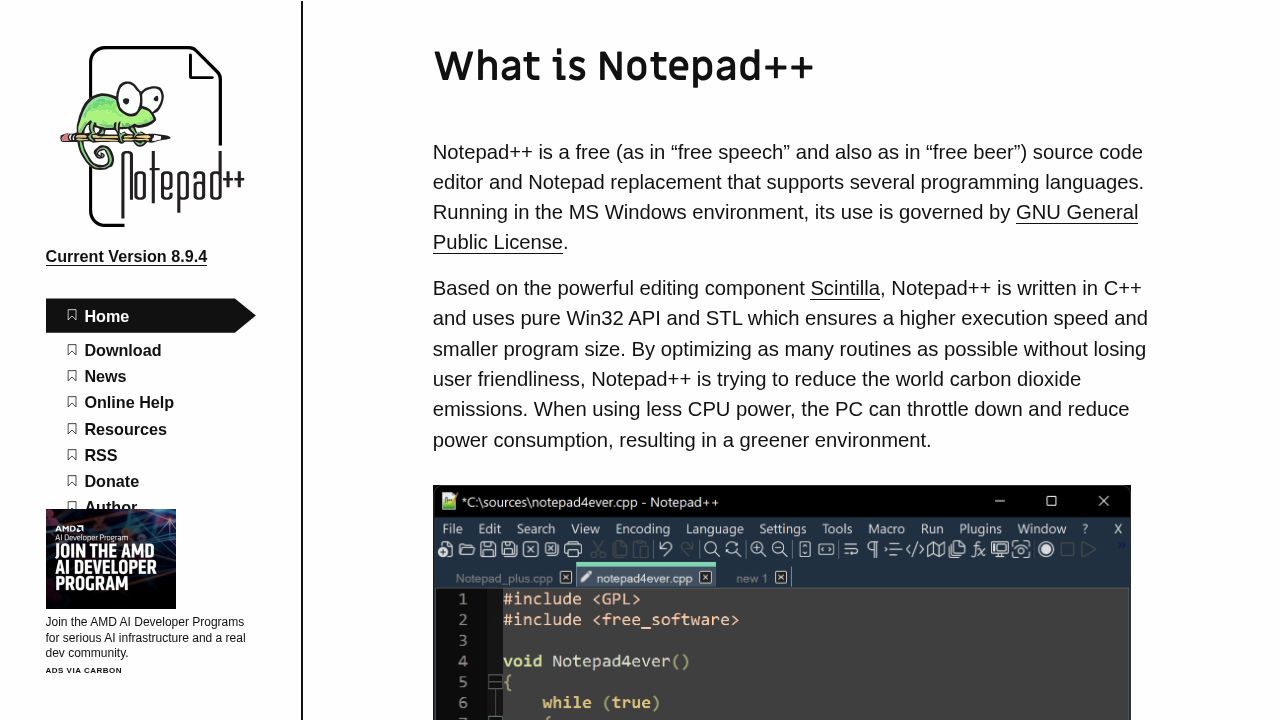
Notepad++ is a free, open-source Windows text and source code editor supporting over 80 programming languages with a small memory footprint.
Verdict
Notepad++ is one of the most widely used Windows text editors, valued for its speed, plugin ecosystem, and strong multi-language syntax highlighting. It serves as a capable Notepad replacement for developers and power users alike. The main limitation is Windows-only support and a UI that has changed little over two decades.
Best for
Developers and programmers working on Windows who need a free, feature-rich source code editor.
At a glance
Pros & cons
- Fast and lightweight
- Extensive plugin library
- Supports 80+ languages with syntax highlighting
- Windows only
- Dated user interface
- No built-in AI or cloud features
Related tools
Frequently asked
- Is Notepad++ free to use?
- Yes. Notepad++ has a free plan — Completely free and open source (GPL)
- Does Notepad++ have memory?
- No persistent memory — sessions don't carry over by default.
- Can Notepad++ do voice or images?
- Voice: no. Image generation: no.
- What are the best alternatives to Notepad++?
- Browse the AI Tools Directory for related tools.
Looking for an alternative?
MeMakie is an AI character chat platform with persistent memory, group chat, and a community feed of user-built characters. Free to start.
Try MeMakie → Browse more toolsNotes from users
Concrete observations only — pricing changes, real-world feature behavior, what didn't work for you. Vague hot-takes get filtered out by automated review. No links allowed.
No comments yet. Be the first to add a real-world note about Notepad++.