ISPConfig Review
ISPConfig is a free open-source Linux hosting control panel managing websites, email, DNS, FTP, and databases across single or multi-server setups.
Verdict
ISPConfig is one of the most established open-source hosting control panels, downloaded over 40,000 times per month and supporting all major Linux distributions including Debian, Ubuntu, AlmaLinux, and Rocky. It handles multi-server and mirrored cluster configurations, making it scalable beyond typical single-server panels. Its breadth of supported daemons (Apache, nginx, Postfix, Dovecot, Bind, MariaDB) is a key differentiator, though that depth comes with a steeper learning curve than newer panels.
What it does
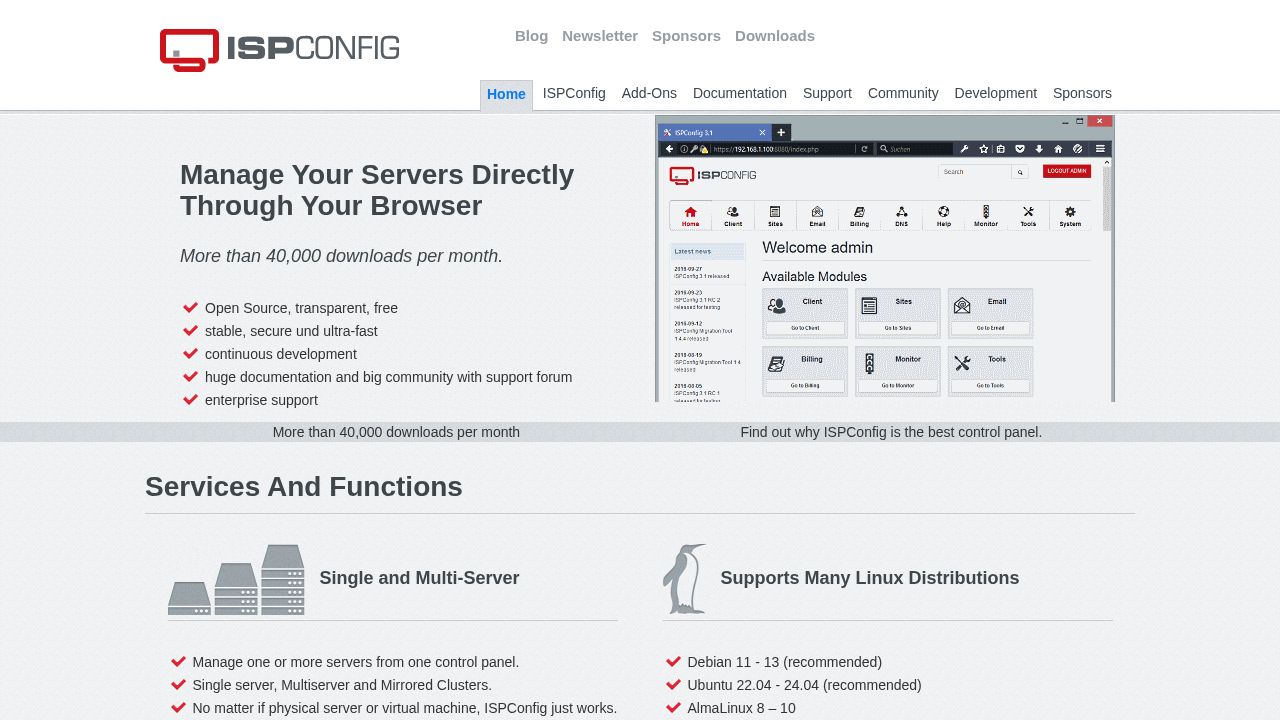
Manage your Servers directly through your Browser. ISPConfig 3 is an open source panel for Linux which is capable of managing multiple servers from one control panel.
Best for
System administrators and developers managing multiple Linux servers.
At a glance
Pros & cons
- Supports multi-server and mirrored cluster setups
- Wide Linux distro and daemon compatibility
- 40,000+ monthly downloads with large community
- Complex setup for beginners
- UI is functional but dated compared to newer panels
- No built-in one-click app installer
Related tools
Frequently asked
- Is ISPConfig free to use?
- Yes. ISPConfig has a free plan — Open-source; enterprise support available separately
- Does ISPConfig have memory?
- No persistent memory — sessions don't carry over by default.
- Can ISPConfig do voice or images?
- Voice: no. Image generation: no.
- What are the best alternatives to ISPConfig?
- Browse the AI Tools Directory for related tools.
Looking for an alternative?
MeMakie is an AI character chat platform with persistent memory, group chat, and a community feed of user-built characters. Free to start.
Try MeMakie → Browse more toolsNotes from users
Concrete observations only — pricing changes, real-world feature behavior, what didn't work for you. Vague hot-takes get filtered out by automated review. No links allowed.
No comments yet. Be the first to add a real-world note about ISPConfig.