Clonezilla Review
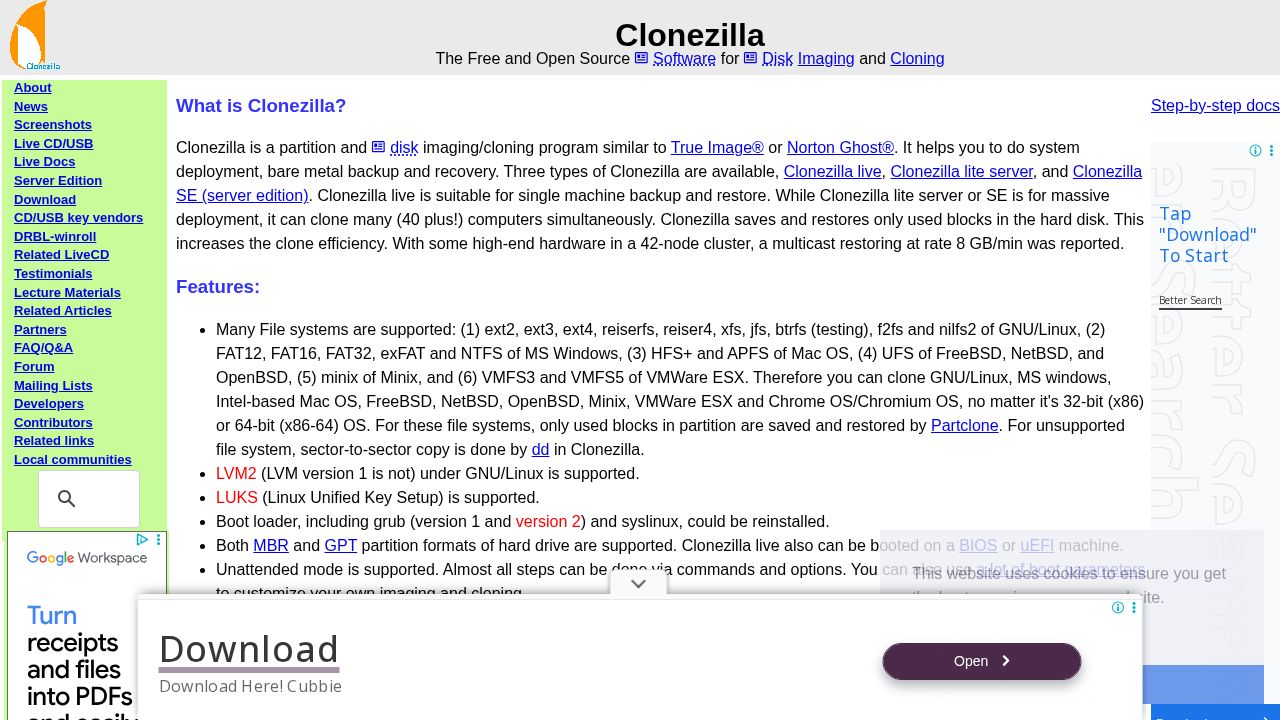
Free open-source disk imaging and cloning tool supporting 40+ file systems across Linux, Windows, macOS, and BSD for single-machine backup or mass deployment.
Verdict
Clonezilla is the go-to free alternative to Norton Ghost and Acronis True Image, trusted by sysadmins for bare-metal backup and large-scale OS deployment via multicast at up to 8 GB/min. It supports an exceptionally broad range of file systems, AES-256 encryption, and unattended scripted operation. Key limitations include no support for differential or incremental backups, no online (live) imaging, and a requirement that destination partitions be at least as large as the source.
Best for
System administrators and IT professionals looking for a free and open source solution for disk imaging and cloning.
At a glance
Pros & cons
- Supports 40+ file systems across all major OSes
- Multicast mass deployment up to 8 GB/min
- AES-256 encrypted images
- Unattended/scripted operation supported
- No differential or incremental backup
- Cannot image a live/running partition
- Destination partition must be equal or larger than source
Frequently asked
- Is Clonezilla free to use?
- Yes. Clonezilla has a free plan — Free; open source (GPL)
- Does Clonezilla have memory?
- No persistent memory — sessions don't carry over by default.
- Can Clonezilla do voice or images?
- Voice: no. Image generation: no.
- What are the best alternatives to Clonezilla?
- Browse the AI Tools Directory for related tools.
Looking for an alternative?
MeMakie is an AI character chat platform with persistent memory, group chat, and a community feed of user-built characters. Free to start.
Try MeMakie → Browse more toolsNotes from users
Concrete observations only — pricing changes, real-world feature behavior, what didn't work for you. Vague hot-takes get filtered out by automated review. No links allowed.
No comments yet. Be the first to add a real-world note about Clonezilla.